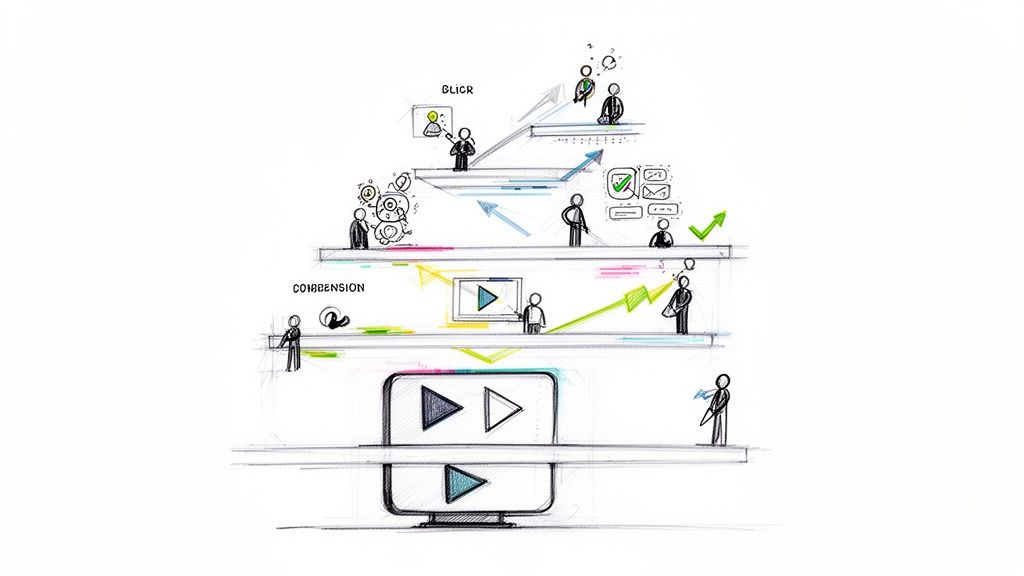
If you’re like most businesses, you’ve recognized the power of video across all stages of your marketing funnel. From simple awareness and acquisition to onboarding and support, video content can be one of the most powerful tools for communicating your message.
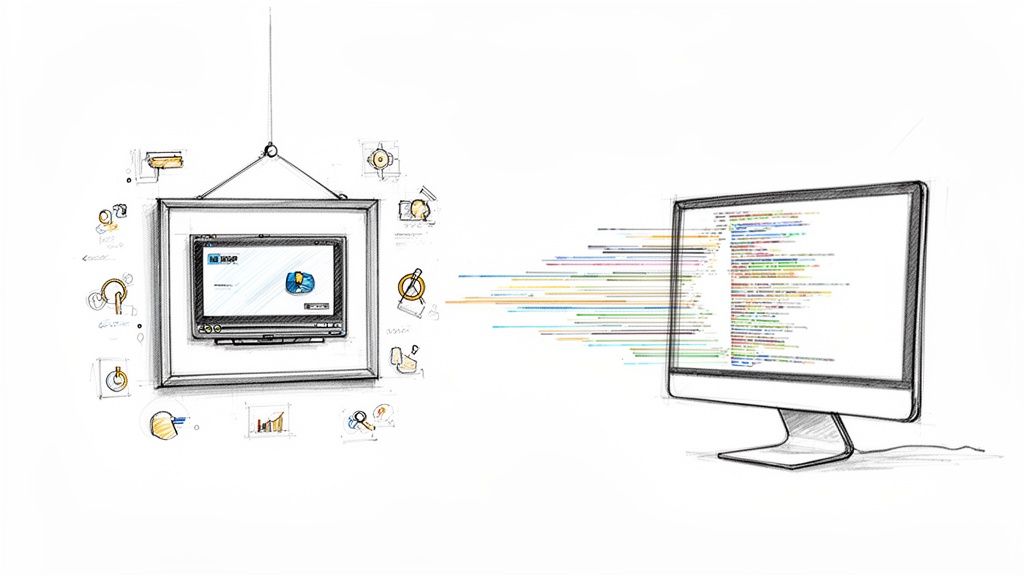
Video becomes even more powerful when it’s seamlessly integrated into your overall Customer Relationship Management (CRM) processes and workflows, including tailoring each video with personalization and dynamic content to maximize viewer engagement and retention.
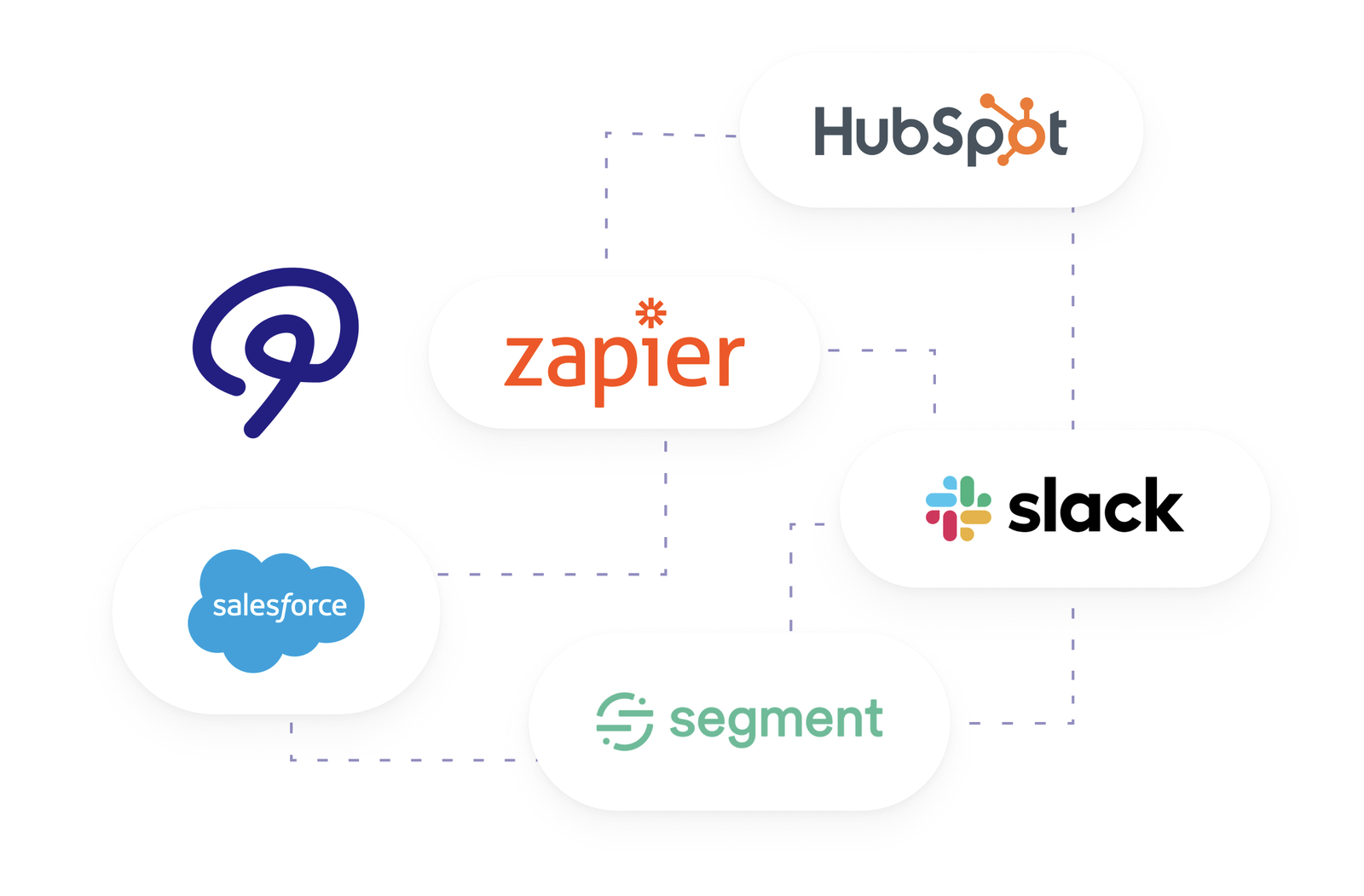
Connect supported Mindstamp viewer data to HubSpot or an automation workflow to update customer records and plan follow-up messages. For Salesforce, confirm the connection method, field mapping, and quote with Mindstamp before rollout.
Mindstamp makes it simple to personalize videos based on both the information you gather from your viewers while they’re watching the video, but also based on any data you choose to pass into the video. So no matter what data you have stored about your customer in your CRM platform, from name and company name to industry, previous purchases, product preferences or their birthday, you can use that information to dynamically create an engaging video experience that feels explicitly tailored to each of your viewers. The most common video personalization actions include:
- Adding dynamic text content
- Creating custom calls-to-action (CTAs) on buttons on the videos or personalizing them to draw attention and clicks
- Presenting customer-specific questions that extend on what you already know about the viewer
- Delivering tailored images (for instance their brand logo)
In addition to receiving personalized information into the video, Mindstamp makes it easy to pass data and information you gather from your viewers back into your CRM system. This isn’t limited to questions they might answer. You can creatively assess interests and concerns based on how viewers interact with your video. For instance, if you have certain areas of your product video animated with hotspots to deliver additional information, click-behavior gives you direct feedback on what matters most to your audience at large as well as your viewers individually.
Choose the viewer events and fields your connected system needs. Use them to update contact records or trigger supported follow-up workflows, then test record matching and delivery. Salesforce setup and supported events depend on the agreed integration scope.
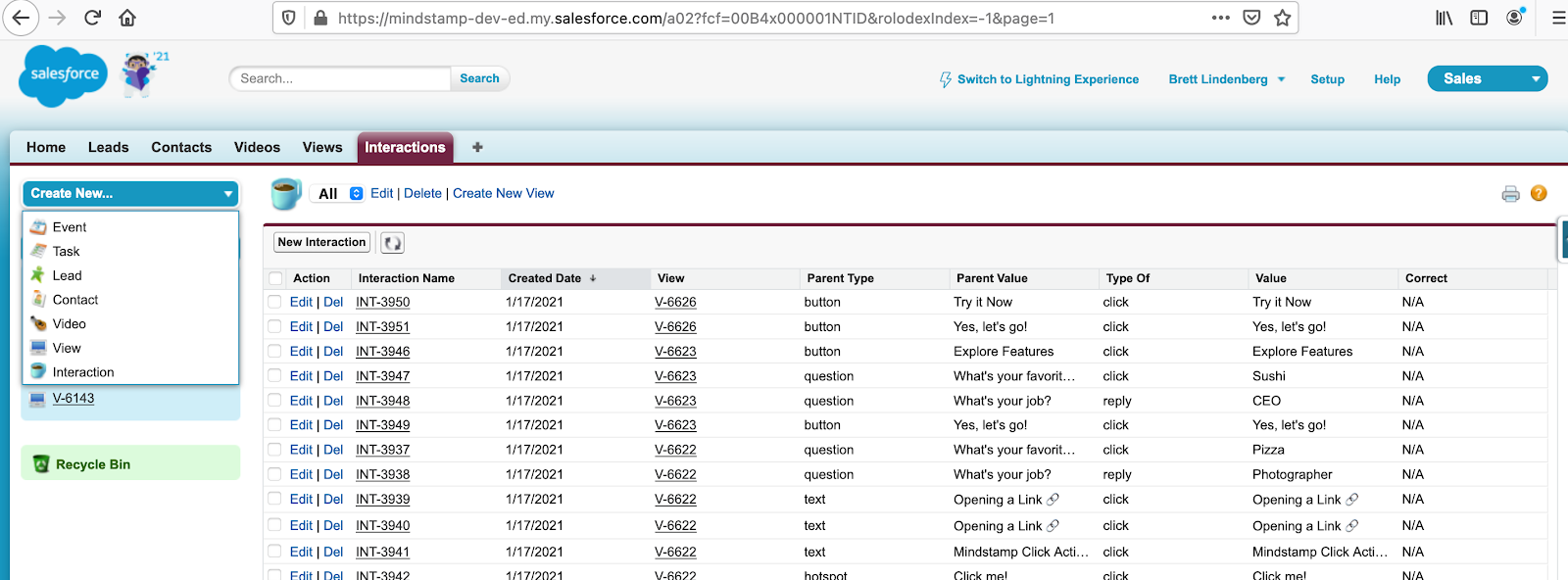
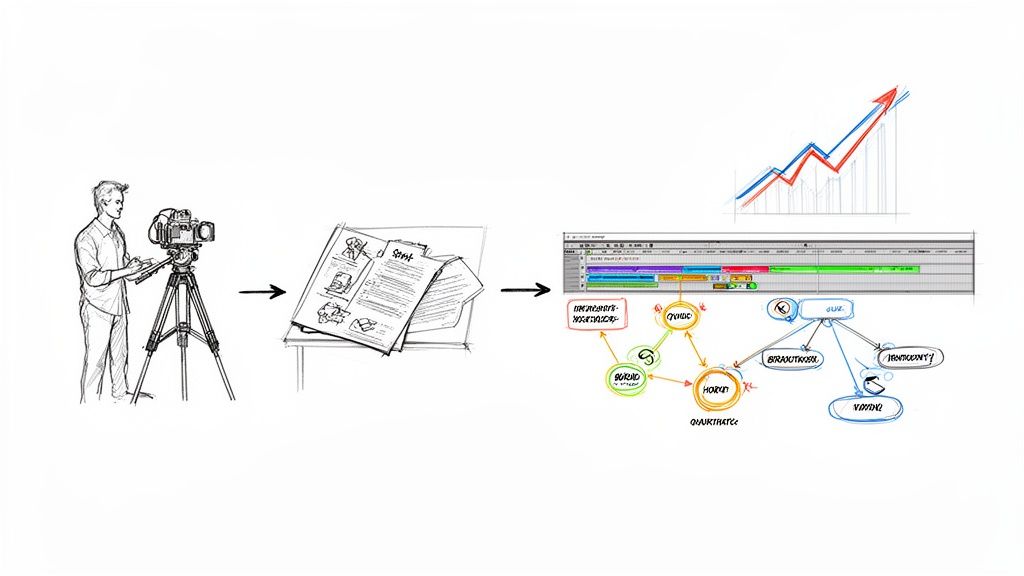
By looking at the full lifecycle of your video marketing campaigns, the engagement of your audience, and the next best action to take for awareness, acquisition, onboarding, or support based on what your viewers are individually doing with your video content, you can supercharge the power of your video content.