Try a support-response assessment
Review a short support-call transcript and choose the cue that should guide the next response.
Assess video-based work with Mindstamp
Ask viewers to interpret the scene, show focused feedback, and keep the response in viewer reports.
Traditional corporate training assessments often struggle to capture how well employees can apply knowledge in real-world scenarios. Static quizzes and multiple-choice tests can measure recall, but they fall short when evaluating critical soft skills like communication, problem-solving, and decision-making. This is precisely the gap that video assessment tools are designed to fill, offering a dynamic way for L&D managers to measure true competency and skill application. By moving beyond simple knowledge checks, these platforms provide a scalable and consistent method for evaluating practical skills through interactive, data-rich video experiences that are central to modern corporate training.
This guide dives deep into the top video assessment tools available today, focusing on their application in corporate training and development. We will analyze leading platforms like Mindstamp, GoReact, and Bongo Learn, providing a detailed comparison of their key features, ideal use cases, and integration capabilities. As these tools increasingly integrate AI for enhanced analysis, understanding the foundation of technologies like transcription is crucial; exploring leading speech-to-text applications can provide valuable context on how feedback and accessibility are powered. Our goal is to equip you with the insights needed to select the best platform for your specific training objectives.
1. Mindstamp
Mindstamp is an interactive video platform that allows customers to create engaging, interactive learning and training content, transforming passive videos into dynamic, two-way experiences. For corporate training and learning & development (L&D), it serves as one of the most robust video assessment tools available, shifting the focus from simple viewership to active participation and measurable comprehension. Instead of just watching a compliance or onboarding video, employees can engage directly with the material through embedded questions, decision-making scenarios, and personalized feedback loops.
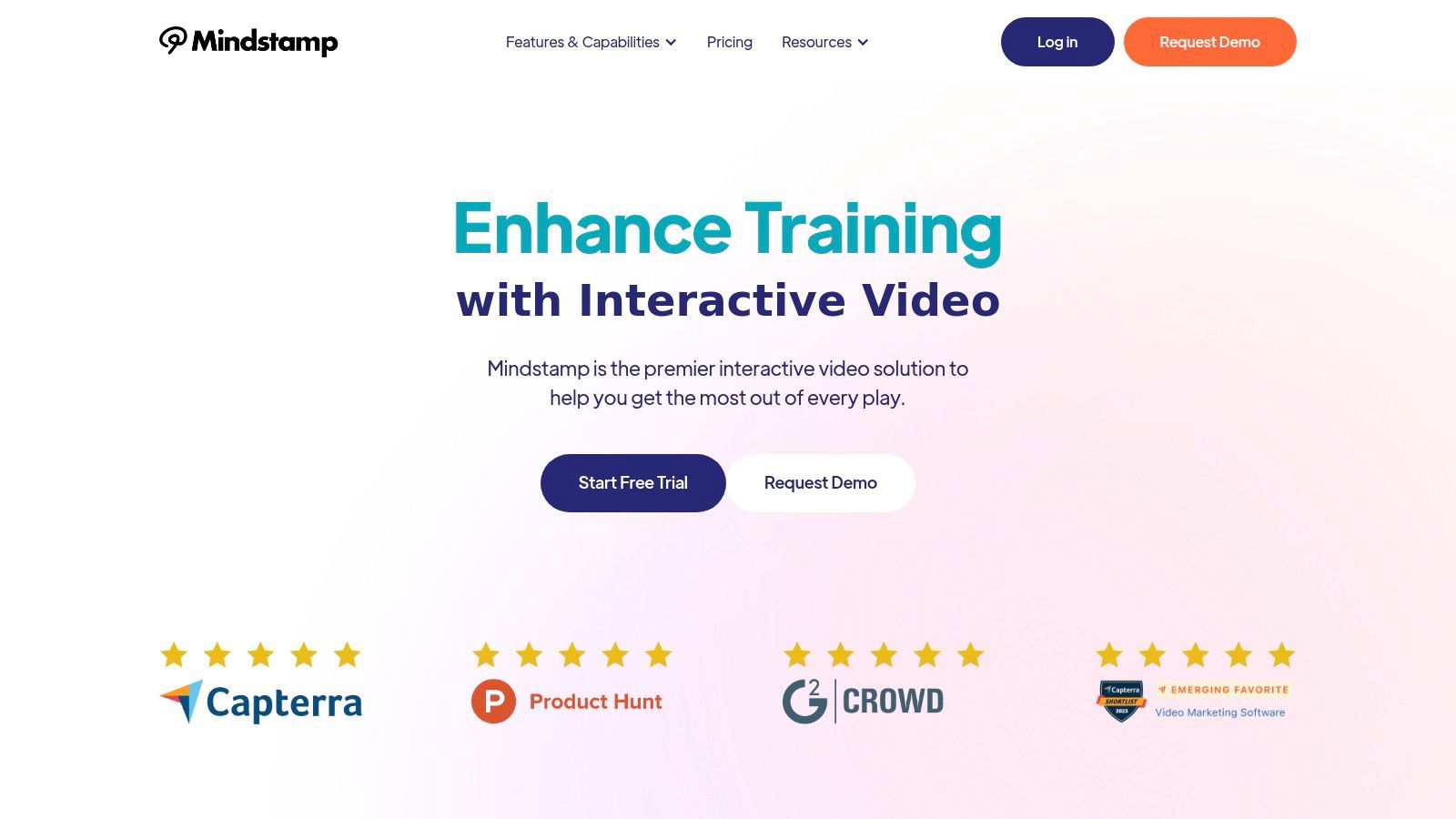
This level of interaction allows L&D managers to move beyond completion rates and gather granular data on how well learners are understanding key concepts. The platform’s standout feature is its powerful analytics engine, which provides real-time insights into every viewer interaction, highlighting knowledge gaps and tracking progress with precision—essential for optimizing corporate training programs.
Key Strengths & Use Cases
Mindstamp excels in creating sophisticated learning pathways. Its branching logic enables L&D professionals to build adaptive training modules where the video content changes based on a user's responses. For example, an employee who answers a safety question incorrectly can be automatically routed to a remedial video segment, ensuring they master the concept before proceeding.
- Corporate Training: Deploy interactive onboarding videos with embedded quizzes to certify new hires.
- Sales Enablement: Create product demos where sales reps can click on features to get more information or answer qualifying questions.
- Compliance & Certification: Use scored assessments within videos to automatically track and report on mandatory training completion.
Implementation and Pricing
Mindstamp adds interactive elements to existing training videos. It offers a native HubSpot integration and REST API access on eligible plans. Salesforce integration is quoted per account; confirm setup, supported data, and cost with Mindstamp.
Pricing is structured in tiers, starting with a free trial to explore its capabilities. To see how it stacks up against other tools, you can learn more about where Mindstamp fits within the ecosystem of interactive video platforms.
| Feature | Description | Best For |
|---|---|---|
| Interactive Quizzing | Embed multiple choice, free response, and drawing questions directly in the video. | Measuring learner comprehension and knowledge retention. |
| Branching Logic | Create personalized video paths based on viewer answers and interactions. | Adaptive learning, personalized training, and complex simulations. |
| Detailed Analytics | Track viewer engagement, question responses, and overall performance in real-time. | Data-driven training optimization and identifying knowledge gaps. |
| Integrations | Connects with HubSpot and Shopify; REST API access depends on plan. Salesforce integration is quoted per account. | Streamlining data flow between L&D and other business systems. |
Website: https://mindstamp.com
2. HireVue
HireVue is an enterprise-grade platform that merges video interviews with science-backed assessments. While primarily known for hiring, its assessment technology can be applied to internal corporate development for evaluating employee skills and readiness for new roles. The platform facilitates both on-demand and live video sessions, providing a structured framework for evaluating competencies consistently across a large workforce.
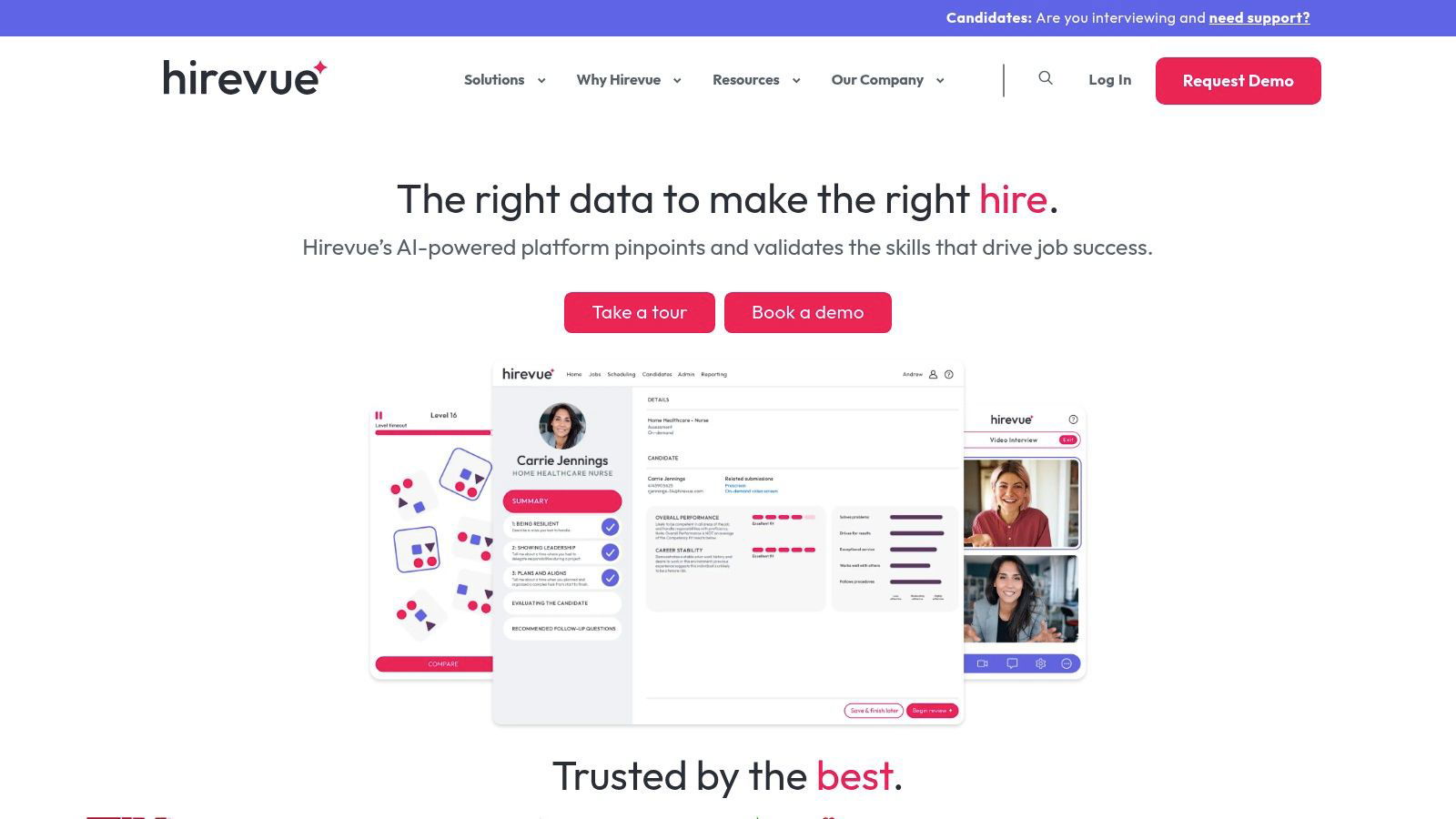
Beyond standard interviews, HireVue offers skills validation and job-specific tryouts, allowing L&D managers to assess practical competencies directly. Its standout feature is its commitment to ethical AI, focusing on validated, job-relevant assessments. With broad system integrations and support for over 40 languages, it’s built for complex, global talent development initiatives.
Key Details & Considerations
| Feature | Details |
|---|---|
| Best For | Enterprise-level organizations requiring secure, scalable solutions for internal mobility and skill assessment. |
| Pricing | Custom pricing only; requires contacting the sales team for a quote. |
| Key Strengths | FedRAMP authorization, deep system integrations, strong compliance posture, and global language support. |
| Limitations | Primarily designed for hiring, which can make its application for L&D less intuitive. The enterprise-focus pricing model makes it inaccessible for smaller training departments. |
Website: https://www.hirevue.com
3. Spark Hire
Spark Hire is a popular video platform designed for accessibility, making it a viable entry point for corporate teams exploring video assessment tools. While its primary use case is recruitment, it can be adapted for internal training purposes, such as practicing sales pitches or evaluating communication skills. It provides both one-way (asynchronous) and live video sessions, helping L&D teams streamline skill practice and feedback processes.
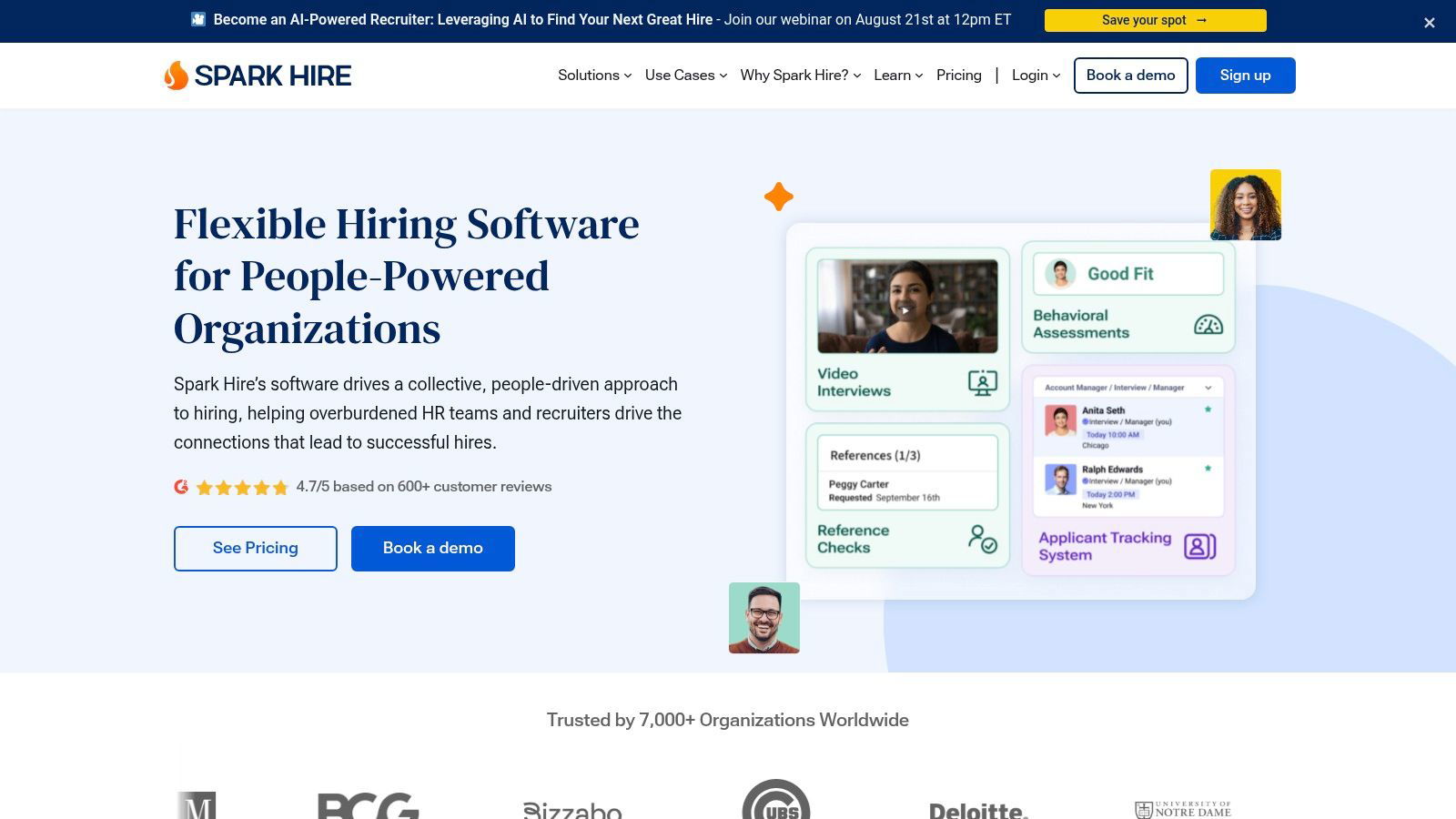
The platform stands out for its straightforward, transparent pricing and a user-friendly interface that simplifies setup for both trainers and employees. With a strong focus on customer support and over 40 integrations, it allows smaller L&D teams to implement a sophisticated video tool without enterprise-level complexity or cost. The platform’s SOC 2 Type II compliance also ensures data security for sensitive training information.
Key Details & Considerations
| Feature | Details |
|---|---|
| Best For | Small and medium-sized corporate training teams seeking an affordable, user-friendly video tool for skill practice and evaluation. |
| Pricing | Offers transparent pricing tiers with public-facing costs, starting from a small business plan. |
| Key Strengths | Transparent pricing, unlimited video sessions on paid plans, excellent customer support, and easy implementation. |
| Limitations | Lacks dedicated L&D features like embedded quizzing or time-stamped feedback; it is fundamentally a recruitment tool. |
Website: https://www.sparkhire.com
4. VidCruiter
VidCruiter offers an enterprise-focused video suite that can be adapted from recruitment to corporate training, particularly for structured skill evaluations. The platform supports both pre-recorded and live video sessions, equipping L&D managers with configurable tools to manage employee assessments at scale. It’s particularly effective for organizations that need to standardize their evaluation criteria for internal certifications or leadership development programs.
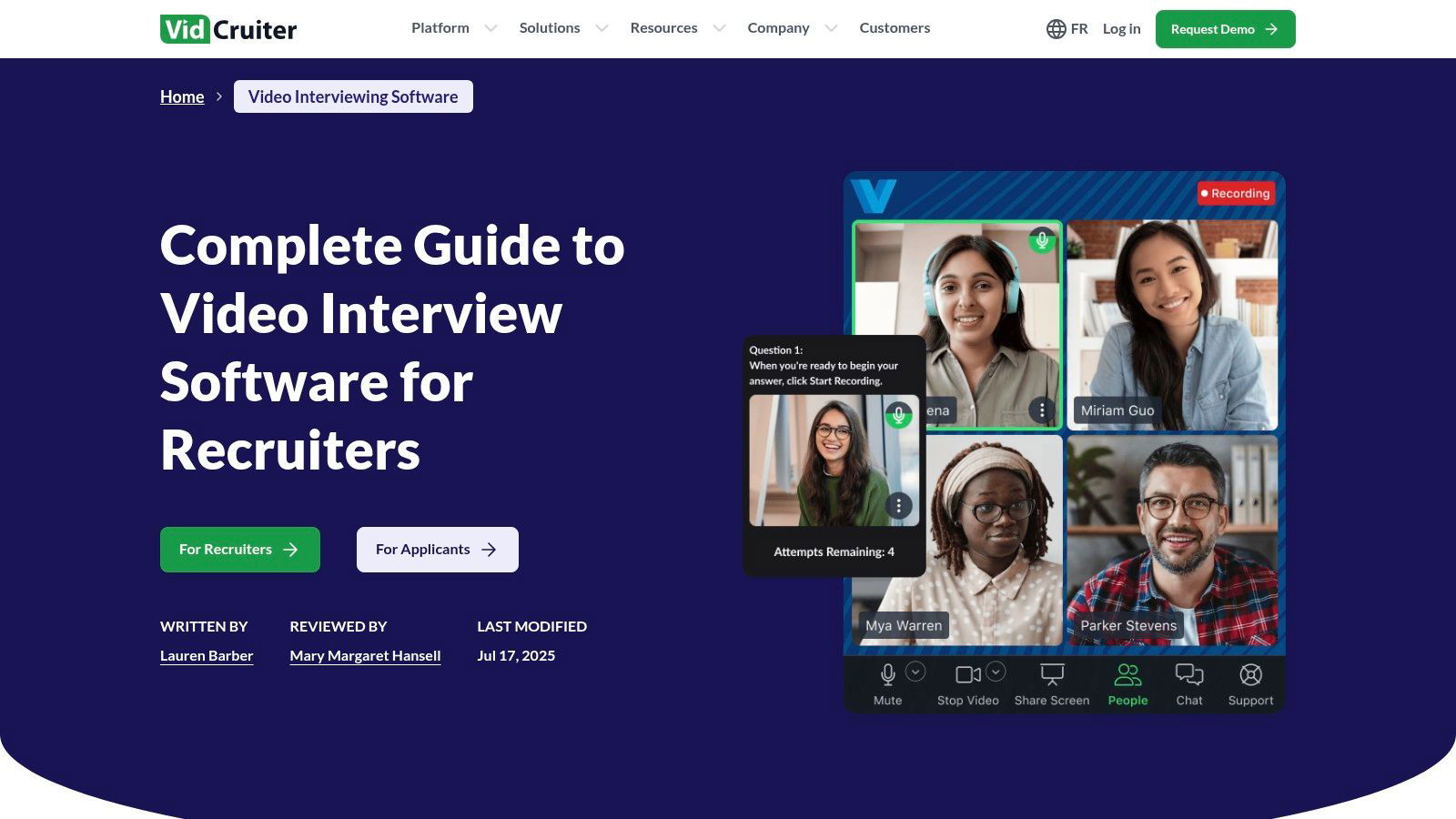
What sets VidCruiter apart is its emphasis on structured fairness. Training managers can embed rating guides directly into the video window for real-time scoring and configure details like prep time and response retakes. The platform also simplifies logistics with automated scheduling, making it one of the more accessible video assessment tools for coordinating large-scale training assessments.
Key Details & Considerations
| Feature | Details |
|---|---|
| Best For | Large corporate training teams needing structured, collaborative, and fair video assessment processes. |
| Pricing | Custom pricing requires consultation with their sales team. |
| Key Strengths | Strong structure for consistent evaluation, good mobile-friendly user experience, and automated scheduling. |
| Limitations | The sales-led pricing model is not transparent. As a recruitment-first platform, it may lack specific L&D analytics and feedback tools. |
5. Willo
Willo is a lightweight, video-first screening tool designed for simplicity, which can be valuable in corporate settings for quick, asynchronous skill checks. Its core strength lies in its accessibility; employees can complete one-way video assessments using a simple link on any device without needing to download an app. This frictionless experience is ideal for collecting video responses for training exercises where reducing setup time is critical.
Beyond its simplicity, Willo offers robust compliance and integration capabilities. With ISO 27001 certification and GDPR compliance, it meets stringent data security standards. Its vast library of over 5,000 integrations via connectors ensures it can plug into existing HR tech stacks seamlessly. This combination of an easy-to-use front-end with a powerful, secure back-end makes it a versatile tool for L&D teams looking to add video assessments without overhauling their entire process.
Key Details & Considerations
| Feature | Details |
|---|---|
| Best For | L&D teams seeking a fast, user-friendly, and highly integrable solution for initial skill screening or practice sessions. |
| Pricing | Pricing for US customers often requires a demo, but plans are available. Nonprofit discounts are offered. |
| Key Strengths | No-app, link-based access for employees, extensive integration library, and strong security certifications (ISO 27001). |
| Limitations | Lacks the deep L&D features of dedicated training suites, focusing primarily on the video collection stage. |
Website: https://www.willo.video
6. Harver
Harver positions its video capabilities as one component within a broader talent assessment suite, applicable to both external hiring and internal development. The platform integrates one-way and live video sessions with a mix of cognitive, personality, and skills-based assessments to create a holistic evaluation process. This approach allows L&D departments to assess employees on multiple dimensions simultaneously for succession planning or leadership training.
A key differentiator for Harver is its focus on bias mitigation. The platform incorporates features like face blurring and relies on standardized questions and collaborative scoring rubrics. With extensive system integrations and strong analytics, Harver is designed for organizations looking to embed scientifically validated, fair assessment practices into their talent development workflow, making it a strong contender among modern video assessment tools.
Key Details & Considerations
| Feature | Details |
|---|---|
| Best For | Large-scale corporate training where a holistic, multi-measure assessment approach is needed to improve efficiency and fairness. |
| Pricing | Custom pricing; requires a demo and consultation with the sales team. |
| Key Strengths | Strong anti-bias design, combination of video with validated cognitive and personality tests, and deep integration capabilities. |
| Limitations | Pricing is not transparent. The platform is more of a broad assessment suite than a specialized L&D video tool. |
7. TestGorilla
TestGorilla is a pre-employment screening platform known for its extensive library of skills tests, but it also functions as a powerful video assessment tool for corporate training. It allows L&D managers to embed custom video response questions within broader skills assessments, providing a holistic view of an employee's hard and soft skills simultaneously. This integrated approach is ideal for asynchronous evaluation, where learners can record their responses on their own time.
The platform stands out with its transparent, publicly available pricing and a free tier, making it accessible for training teams of all sizes. With over 400 ready-made tests and deep customization options, you can design an assessment flow that precisely matches your role requirements or training objectives. By combining technical tests with video questions, L&D teams can efficiently gauge problem-solving abilities and communication skills in one streamlined process.
Key Details & Considerations
| Feature | Details |
|---|---|
| Best For | Training teams seeking to integrate soft skill video screening directly into technical or knowledge-based skills assessments. |
| Pricing | Offers a free plan for up to 5 assessments. Paid plans start at $75/month (billed annually) with credit-based usage. |
| Key Strengths | Transparent pricing, an extensive library of 400+ tests, strong customization options, and major system integrations. |
| Limitations | Video questions are a feature within larger assessments, not a standalone video coaching or feedback suite for L&D. |
Website: https://www.testgorilla.com
8. GoReact (Echo360)
GoReact is a specialized video assessment platform designed for skill mastery and coaching, making it a perfect fit for corporate training and development. It allows trainers to provide precise, time-stamped feedback directly on employee video submissions, making it ideal for performance-based skills like public speaking, clinical simulations, or sales pitches. The platform moves beyond simple recording by integrating rubrics and markers for standardized evaluation.
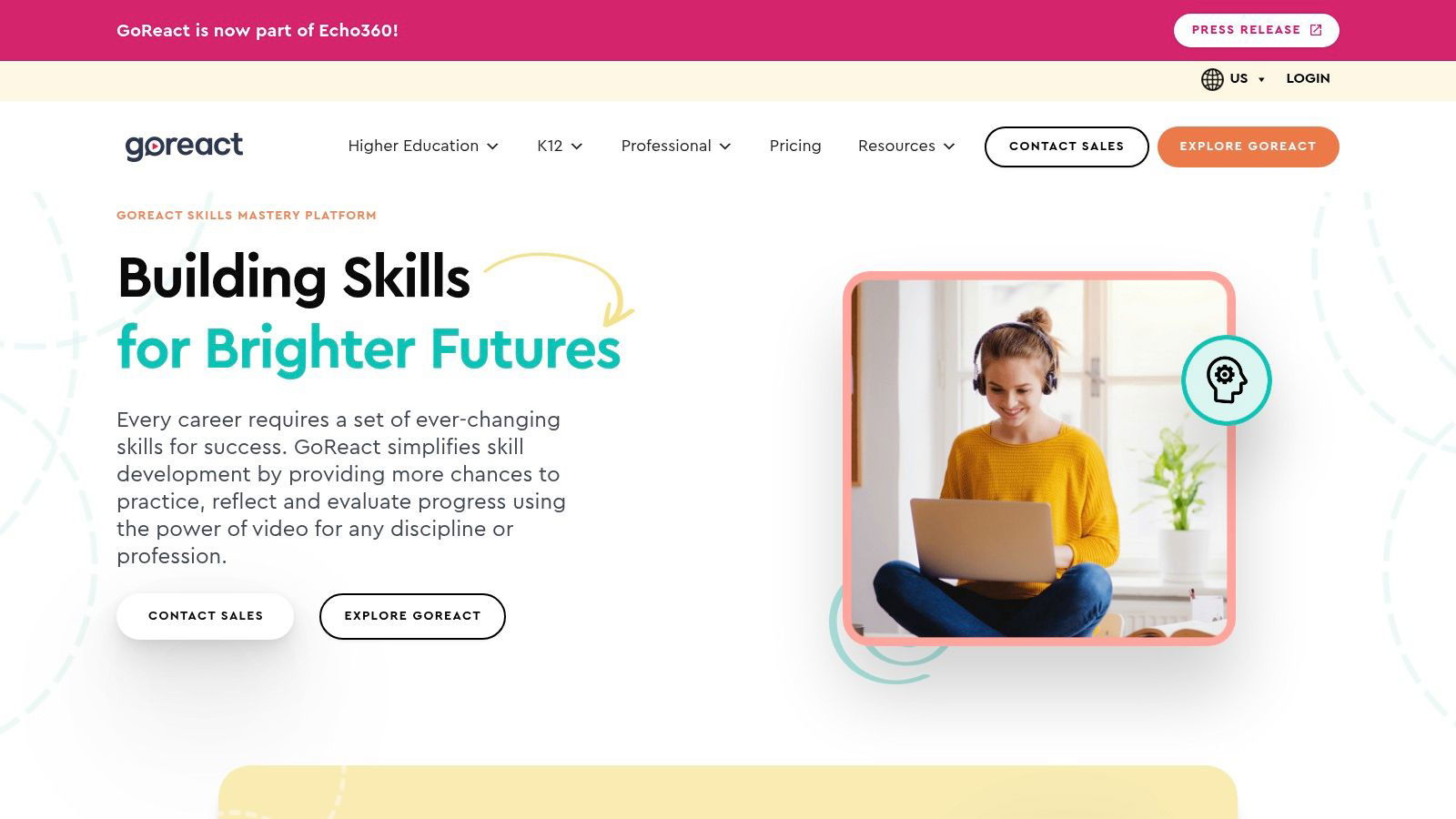
Its standout feature is the ability to deliver multi-modal feedback; managers can leave time-coded text, audio, or even video comments. The AI Assistant further streamlines this by auto-generating transcripts and identifying key moments, drastically reducing review time for large training cohorts. With deep integrations into major Learning Management Systems (LMS), GoReact is purpose-built to fit seamlessly into existing corporate L&D technology stacks.
Key Details & Considerations
| Feature | Details |
|---|---|
| Best For | Corporate L&D programs focused on observable skill development, coaching, and performance feedback. |
| Pricing | Custom quotes are provided for corporate use. |
| Key Strengths | Time-stamped multi-modal feedback, deep LMS integrations, AI-assisted analytics, and scalable for large groups. |
| Limitations | Its feature set is highly tailored for learning and coaching, making it less suitable for recruitment or simple video collection. |
Website: https://get.goreact.com
9. Bongo Learn
Bongo Learn is a structured video assessment platform designed specifically for corporate training, credentialing, and professional development. It moves beyond simple recording by providing multiple assignment workflows, including individual projects, question-and-answer scenarios, and collaborative group assignments. This structure allows L&D teams to build detailed, rubric-based evaluations for complex skills like sales pitches, leadership communication, or technical demonstrations.
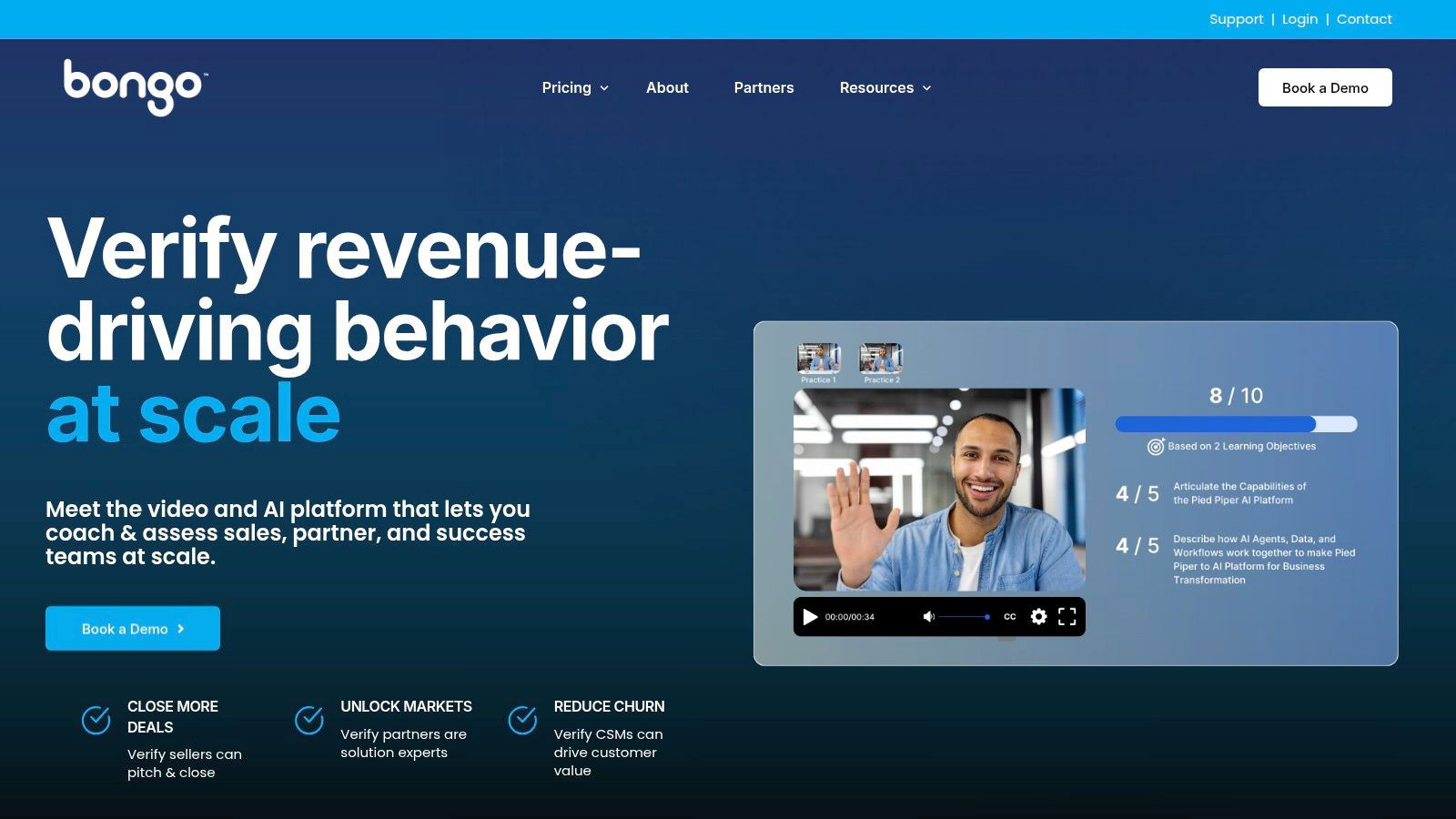
The platform’s standout feature is its AI-powered feedback tool, “Auto Analysis,” which provides learners with instant, objective feedback on metrics like speech clarity, pace, and the use of filler words. This automates initial coaching and allows managers to focus on higher-level feedback. Bongo Learn also supports peer review, making it one of the more comprehensive video assessment tools for validating demonstrated skills in a scalable corporate learning environment.
Key Details & Considerations
| Feature | Details |
|---|---|
| Best For | Corporate training and L&D teams needing to validate and certify demonstration-based skills at scale. |
| Pricing | Custom pricing based on usage and implementation; requires contacting their sales team. |
| Key Strengths | AI-powered feedback, structured assignment workflows, peer review capabilities, and strong focus on corporate L&D use cases. |
| Limitations | The platform’s complexity can require dedicated admin training to fully utilize its features, and the lack of transparent pricing makes it difficult for smaller teams to evaluate. |
Website: https://bongolearn.com
10. Panopto
Panopto is an enterprise video platform primarily known for its powerful video content management system, widely used in large corporations for training and knowledge sharing. It serves as a robust video assessment tool for corporate training by allowing L&D managers to embed interactive quizzes directly into video content, creating an engaging learning experience.
The platform allows L&D managers to insert multiple-choice, checkbox, and true/false questions at any point in a video, pausing playback until the viewer responds. This is ideal for formative and summative assessments, checking comprehension as employees progress through training modules. Panopto's strength lies in its deep integration with Learning Management Systems (LMS), automatically pushing quiz results to the gradebook. This seamless workflow and its strong analytics make it a top choice for corporations already invested in its ecosystem. For more information on connecting Panopto with other interactive video platforms, you can explore Panopto integrations.
Key Details & Considerations
| Feature | Details |
|---|---|
| Best For | Corporations using Panopto for video management and requiring integrated, gradeable video quizzes for training. |
| Pricing | Custom pricing by institutional quote; often included in a broader site license. |
| Key Strengths | Deep LMS gradebook integrations, simple in-video quiz authoring, and aggregated analytics on learner performance. |
| Limitations | The assessment features are part of a larger video platform, not a standalone product, and it is not designed for skill-based video submission or coaching. |
Website: https://www.panopto.com/features/video-cms/interactive-video-quizzing/
11. Kaltura
Kaltura is a powerful video platform often used in corporate settings for its deep integrations with Learning Management Systems (LMS) and other enterprise systems. It enables secure video assignment submissions, allowing employees to record or upload video content directly into a training workflow. This positions it as a specialized video assessment tool for structured corporate learning environments.
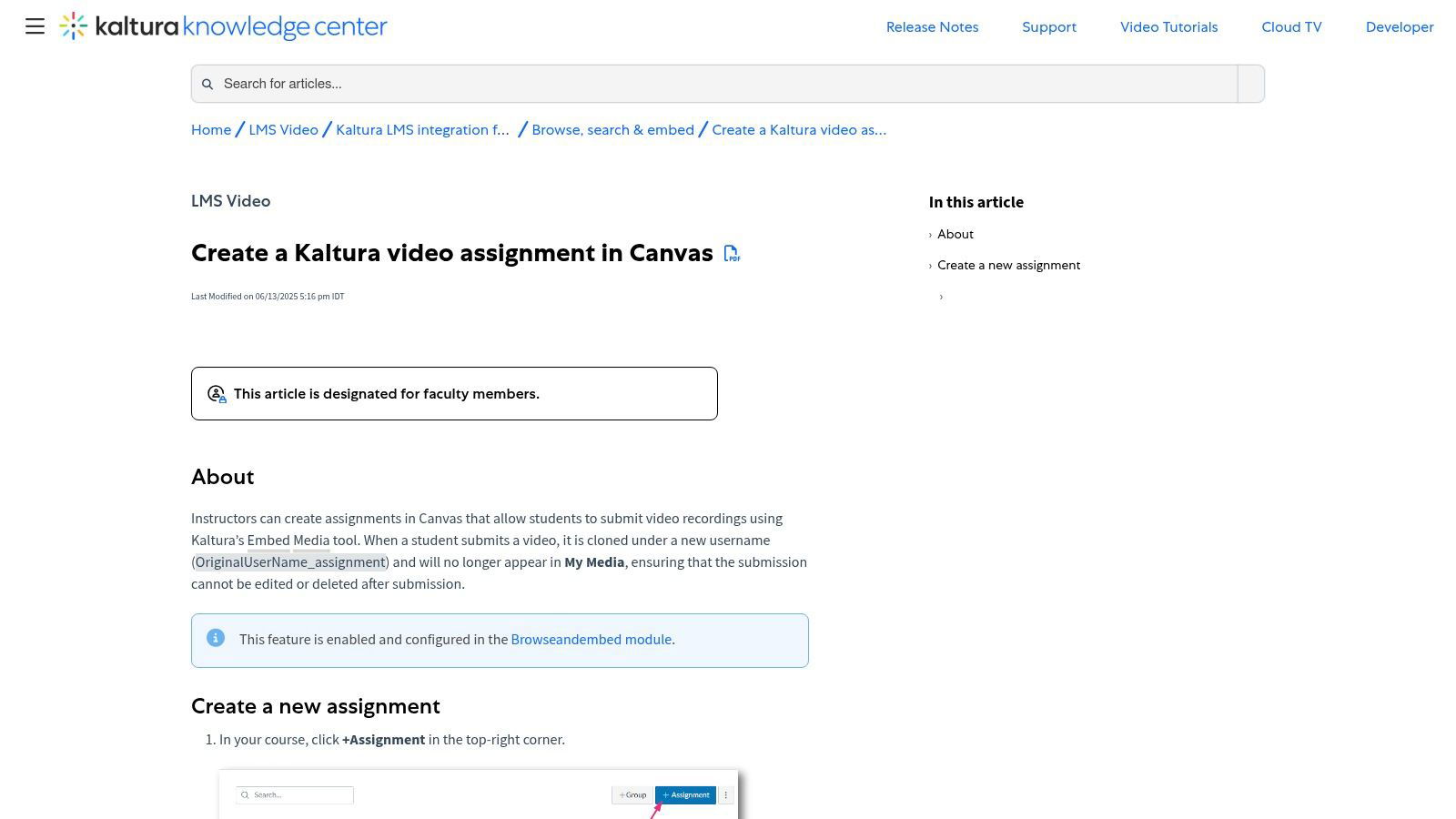
The platform's key distinction is its robust integration framework, which allows for secure and seamless video submission and feedback within the existing L&D tech stack. Managers can review, grade, and provide feedback using built-in tools directly within the LMS, creating a consistent user experience for both trainers and employees. Its comprehensive administrative controls make it a scalable, reliable choice for large organizations.
Key Details & Considerations
| Feature | Details |
|---|---|
| Best For | Large enterprises seeking a secure, LMS-integrated video submission and assessment solution for corporate training. |
| Pricing | Requires an enterprise license and integration; pricing is customized for the organization. |
| Key Strengths | Secure submission workflow, native LMS integration, and proven scalability in large corporations. |
| Limitations | Requires a significant institutional investment and is not available for individual or small business use. Less focused on interactive quizzing. |
Website: https://knowledge.kaltura.com/help/create-a-video-assignment-in-canvas
12. YuJa
YuJa is an enterprise video platform designed specifically for the corporate training and education sectors. It transforms passive video content into active learning experiences through interactive quizzes, in-video commenting, and detailed analytics. The platform excels in corporate L&D environments where tracking learner engagement and comprehension is critical for assessment and compliance. It offers robust tools for creating graded video assignments and monitoring progress at an organizational scale.
What sets YuJa apart is its powerful analytics engine, which provides color-highlighted reports showing viewer completion rates, drop-off points, and areas of confusion. This data-driven approach allows trainers to pinpoint exactly where employees struggle and refine their content accordingly. With deep LMS integrations and dedicated implementation services, YuJa is positioned as a comprehensive video assessment tool for organizations that require a scalable, supported, and secure video learning ecosystem.
Key Details & Considerations
| Feature | Details |
|---|---|
| Best For | Corporate L&D teams and educational institutions needing scalable video assessment and training solutions. |
| Pricing | Available via custom sales quote; primarily targets institutional-level deployments. |
| Key Strengths | Deep analytics on learner engagement, seamless LMS integration, and comprehensive deployment and support services. |
| Limitations | The institutional pricing model is not suited for individual users or small teams, and it is less focused on recruitment use cases. |
Website: https://www.yuja.com/industry-solutions/k-12-video-platform/
Video Assessment Tools Feature Comparison
| Platform | Core Features & Capabilities | User Experience & Quality ★ | Value Proposition & Pricing | Target Audience | Unique Selling Points |
|---|---|---|---|---|---|
| Mindstamp | Interactive elements: quizzes, branching, lead capture; real-time analytics; API & major integrations | Intuitive UI, responsive support ★★★★☆ | Affordable, free trial, broad use cases | L&D, corporate trainers, marketers | Personalized videos; shoppable commerce; adaptive learning |
| HireVue | Live & on-demand video interviews; skills validation; FedRAMP compliance | Enterprise-grade, secure ★★★★☆ | Custom pricing, sales contact | Enterprise L&D, government | FedRAMP authorized; ethical compliance focus |
| Spark Hire | One-way/live interviews; automated reference checks; 40+ ATS integrations | SMB-friendly, strong support ★★★☆☆ | Transparent tiers, unlimited interviews | SMB training teams | Transparent pricing; strong support |
| VidCruiter | Pre-recorded/live video; real-time scoring; scheduling automation | Good user UX, scalable ★★★☆☆ | Sales-led pricing | Large-scale training teams | Configurable assessment parameters; panel support |
| Willo | One-way interviews via link; 5,000+ integrations; ISO/GDPR compliant | Simple, quick deployment ★★★☆☆ | Demo-based pricing | Teams needing quick screening | No app/download; extensive integrations |
| Harver | Video interviewing plus cognitive & personality assessments; bias mitigation | Holistic pre-selection ★★★☆☆ | Sales-led pricing | Enterprise L&D & HR | Anti-bias features; collaborative scoring |
| TestGorilla | Skills & video response tests; unlimited users on paid plans; ATS integrations | Fast deployment, customizable ★★★☆☆ | Transparent pricing, free tier | Corporate training teams | Large test library; customizable assessments |
| GoReact (Echo360) | Time-stamped feedback; AI analytics; LMS integration | Training/coaching focused ★★★★☆ | Custom corporate pricing | Corporate L&D, professional training | AI-assisted feedback; deep LMS support |
| Bongo Learn | Video assessments with AI feedback; peer reviews; rubrics | Skill validation focus ★★★☆☆ | Sales-led pricing | Training, credentialing, L&D | AI-driven coaching at scale |
| Panopto | Interactive quizzes; LMS gradebook sync; video editor | Enterprise L&D focused ★★★☆☆ | Institutional quotes | Large enterprises, universities | LMS quiz integration; detailed analytics |
| Kaltura | Secure video submissions; grading workflows | Scalable for enterprise ★★★☆☆ | Enterprise license | Large corporations, higher ed | Locked video assignments; LMS consistency |
| YuJa | Interactive quizzes; detailed learner analytics; LMS integration | Strong analytics, scalable ★★★☆☆ | Sales quote pricing | Corporate training & education | Color-coded engagement data; wide deployment |
Choosing the Right Video Assessment Tool for Your L&D Strategy
The landscape of video assessment tools is diverse, spanning from specialized recruitment platforms to comprehensive learning experience suites. As we've explored, the right choice is not about finding the "best" tool overall, but the best tool for your specific learning and development objectives. Your selection will ultimately hinge on a clear understanding of your organizational needs, learner demographics, and desired training outcomes.
For some, the priority may be adapting hiring tools like HireVue or Spark Hire for internal skill checks. For others, particularly in coaching contexts, tools like GoReact or Bongo Learn offer invaluable feedback loops for soft-skill development. Meanwhile, enterprise-level solutions such as Panopto and Kaltura provide robust video management systems that integrate assessment capabilities into a wider corporate content ecosystem.
However, the most significant shift in corporate training is the move from passive content consumption to active learner participation. This is where interactive video platforms truly shine.
A Framework for Your Decision
To navigate this complex choice, consider these core evaluation pillars. Answering these questions will help you shortlist the most suitable video assessment tools for your strategy.
- Primary Use Case: Are you focused on pre-hire screening, ongoing skill development, or compliance certification? Tools are often purpose-built, so aligning the platform with your primary goal is the most critical first step.
- Level of Interactivity: Do you simply need to record and review employee responses, or do you want to embed questions, branching logic, and clickable elements directly into the training content? For deep engagement and comprehension measurement, interactive features are essential. Platforms like Mindstamp are specifically designed to transform passive video into a two-way learning experience.
- Integration and Workflow: How will this tool fit into your existing tech stack? Assess the need for deep integrations with your Learning Management System (LMS) or other critical platforms. A seamless workflow prevents administrative headaches and boosts user adoption.
- Technical Sophistication: Consider the technical requirements and your team's capabilities. Are you looking for a simple, out-of-the-box solution, or do you need a platform with a powerful API for custom development?
- Scalability and Support: Will this tool support your needs as your team or company grows? Evaluate pricing models, enterprise features, and the quality of customer support to ensure the platform can scale with your L&D initiatives.
Ultimately, the goal is to invest in a solution that not only measures knowledge but actively enhances it. By moving beyond simple video playback and embracing interactive assessment, organizations can create a more engaging, effective, and data-driven learning culture. This approach ensures that your training programs don't just check a box; they deliver a measurable return on investment and drive real performance improvement.
Ready to see how interactive video can transform your training and assessment strategy? Mindstamp makes it easy to add questions, hotspots, personalization, and powerful analytics to any video. Start creating more engaging and effective learning experiences today. Explore the possibilities at Mindstamp.
Use the video itself as the assessment
Explore Mindstamp’s online video assessment tools for questions, scoring, response capture, and LMS-ready results inside the lesson.