
Issued on the rule you set
Awarded on completion, on a passing score, or both — automatically, not by hand.
Personalise and brand
Generate a certificate when a viewer completes and passes, so evidence of training exists without anyone producing it.
What it does
A completion row in a database convinces an auditor. A certificate convinces the learner.
Awarded on completion, on a passing score, or both — automatically, not by hand.
Name, module, date, and score, so the document stands on its own later.
Nobody generates, names, or emails certificates one at a time.
In practice
Regulated training and anything a learner needs to show someone else.
In depth
Take advantage of Mindstamps in-house certificates to reward excellent employees, show course completion, and more, with ease!
Printable certificates are an excellent way to assign recognition to a physical (or digital) item. They can also be used to easily assess whether or not a body of people has completed a specific course or training. Regardless of how you plan on using certificates - Mindstamp makes it easy. Continue reading to see how to configure and implement certificates directly through Mindstamp.
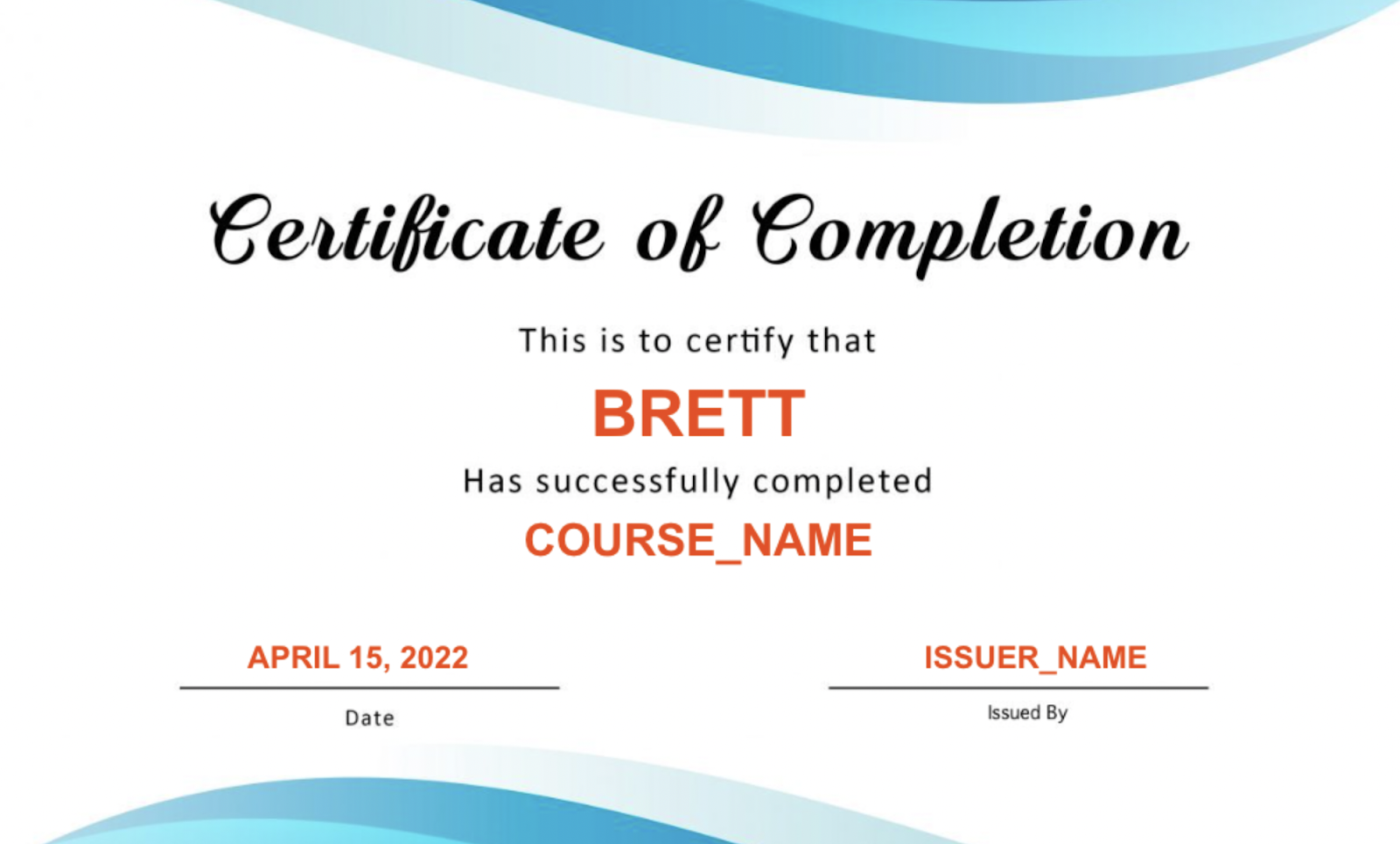
Certificates, available on Core plans and above, are a bespoke service. To have a certificate created for you, simply send a message to [email protected] with the subject line “Certificate” and include the general design you wish the certificate to adopt (certificate designs must be provided by the user if different from our default design). Viewers who receive a certificate are able to both view and download it. An example of a certificate can be seen below:
As far as personalization is concerned - Mindstamp has you covered! Our certificates are powered by variables, which will automatically pass in known information such as student name, date, etc. That means that as long as you capture a student's name in-video, the certificate will do all the work for you!
Your custom certificate will be delivered to you via URL that you’ll be able to attach to an interaction in your Mindstamp video, using the “Open Link” click action. You could have a button that says “Get Certificate,” a PNG image of a gold star or award that opens the link upon click, interactive text that says “Claim your certificate here” and more.
Finally, take a moment to review the following frequently asked questions about certificates:
Question: How can I ensure that only students who watched all of the content will see the certificate call-to-action?
Answer: To be sure that students watched the entirety of your content before earning a certificate, you’ll first want to disable the seekbar, to prevent jumping around the video, in your Design settings. See below:
What gets measured
Related
These combine on one timeline — most videos use three or four together.
Control colours, logo, and player styling so the interactive experience looks like your product, not a tool.
Explore →Group viewers so access, reporting, and results are managed per team, cohort, or client rather than one at a time.
Explore →Render viewer and account details into the video at play time, so one recording addresses every recipient individually.
Explore →Open a Calendly or HubSpot calendar as an interaction, so the meeting is taken at the moment the buyer decides.
Explore →Ask for contact details before the video starts, at a chosen moment, or on a specific interaction — without sending anyone to a form page.
Explore →Send viewers to any timecode from a button, hotspot, or answer — forward to skip, back to review.
Explore →Questions
Yes. Issue on completion, on a score threshold, or on both together.
Yes — it carries your styling along with the learner, module, date, and score.
Try it on one video
Let the video produce the evidence instead of your team producing it.