
Many response types
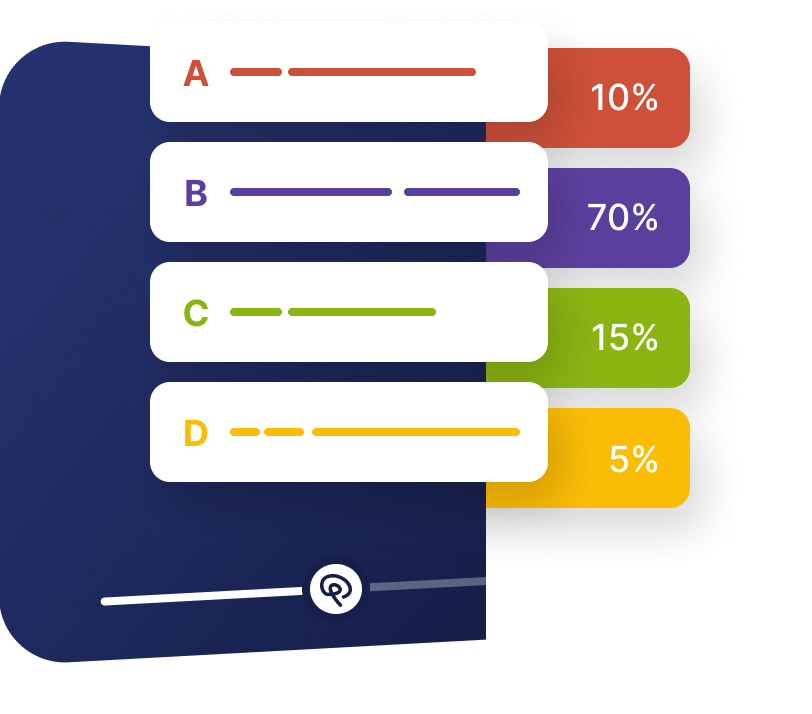
Multiple choice, choose-all, free text, number, date, rating, Likert, voice, video, and drawing.
Ask a question
Put a question on the timeline and collect a scored, typed, spoken, or drawn answer from every viewer.
What it does
A question is what turns watching into a record of what someone understood.
Multiple choice, choose-all, free text, number, date, rating, Likert, voice, video, and drawing.
Score it, branch on it, show something, or write it back to your CRM.
Every answer is stored against the person, exportable alongside everything else they did.
In practice
At the moment the concept is taught, or the moment intent appears.
What gets measured
Related
These combine on one timeline — most videos use three or four together.
Add clickable buttons that open links, jump the timeline, capture a lead, or start a branch — at any moment you choose.
Explore →Place a clear call to action at the moment the video has earned it, rather than hoping viewers find one afterwards.
Explore →Break a recording into named, searchable chapters so viewers can see the structure and jump straight to a section.
Explore →Overlay timed comments on the recording to add context, corrections, or commentary without touching the footage.
Explore →Show, hide, and reroute interactions based on what the viewer answered, clicked, or brought with them from your data.
Explore →Overlay shapes, arrows, highlights, and text on the video so attention lands exactly where you need it.
Explore →Questions
Multiple choice, choose-all, free response, number, date, dropdown, rating, Likert, voice, video, and drawing responses.
Yes. Require an answer before playback continues, and gate progress on the answer being correct.
Try it on one video
Place it where the point lands and see what viewers actually say.