
Jump to the timecode
A search result is a place in the video, not a suggestion to scrub around and hope.
Move through the video
Let viewers search inside the video and jump straight to the point where the answer is.
What it does
Nobody rewatches forty minutes to re-find one instruction — so mostly, they do not rewatch at all.
A search result is a place in the video, not a suggestion to scrub around and hope.
Webinars and lectures become something people return to rather than watch once.
What viewers search for tells you what the video failed to make obvious.
In practice
Reference material people come back to under time pressure.
In depth
Enable quick content discovery and navigation through search. Search a video's content, including chapters, transcripts, and interactions with Mindstamp's interactive video platform.
Throughout Mindstamp, you have the ability to perform searches quickly and easily finding and filtering on your videos, views, and interactions. Since this is such a fundamental part of your productivity, we have brought it various other elements of our platform. Mindstamp gives you the power to search through your videos’ content, chapters, and interactions all at once. And, if you have a series set up, you can also conduct searches on all videos in the series as opposed to one at a time.
When you are in the interactive video editor, you can use the search bar to filter on the interactions and chapters that match your search. This allows you to quickly find an interaction or chapter that you have added to your video creating an easy way for you, as the creator, to navigate to specific portions of your video. Additionally, you will have the ability to search through the transcript, chapters, and interactions within your video. This creates an interactive way for you to find specific content in your videos.
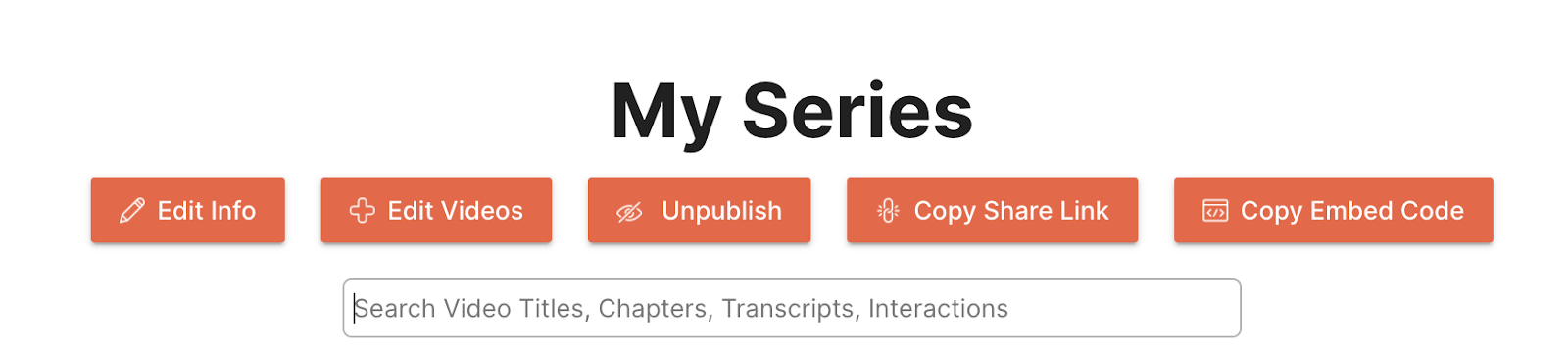
Series are a powerful way for you to aggregate your content for your viewers. By using a series, your content can be discovered on a single page by your audience. Series also give you and your audience the ability to conduct powerful search across all the videos in your series. For example, if you have a series dedicated to your various products, a viewer can come to this series page and search for a specific video based on the video titles or on chapters, transcripts, and interactions inside of the videos. This provides your viewers with an efficient way to find content that is relevant to them.
What gets measured
Related
These combine on one timeline — most videos use three or four together.
Send viewers to any timecode from a button, hotspot, or answer — forward to skip, back to review.
Explore →Chain videos into an ordered playlist so a multi-part programme runs as one experience with one report.
Explore →Offer choices in the video and jump to a different scene, clip, or video based on what each viewer selects.
Explore →Define clips inside an existing recording and reuse the parts you need without going back to an editor.
Explore →Control colours, logo, and player styling so the interactive experience looks like your product, not a tool.
Explore →Open a Calendly or HubSpot calendar as an interaction, so the meeting is taken at the moment the buyer decides.
Explore →Questions
The spoken content and the interactions on the timeline, so results land on a real moment.
Search behaviour is part of the interaction data, which is where the content gaps show up.
Try it on one video
Take the recording people keep asking questions about and let them find the answer.